
What customers need before they decide
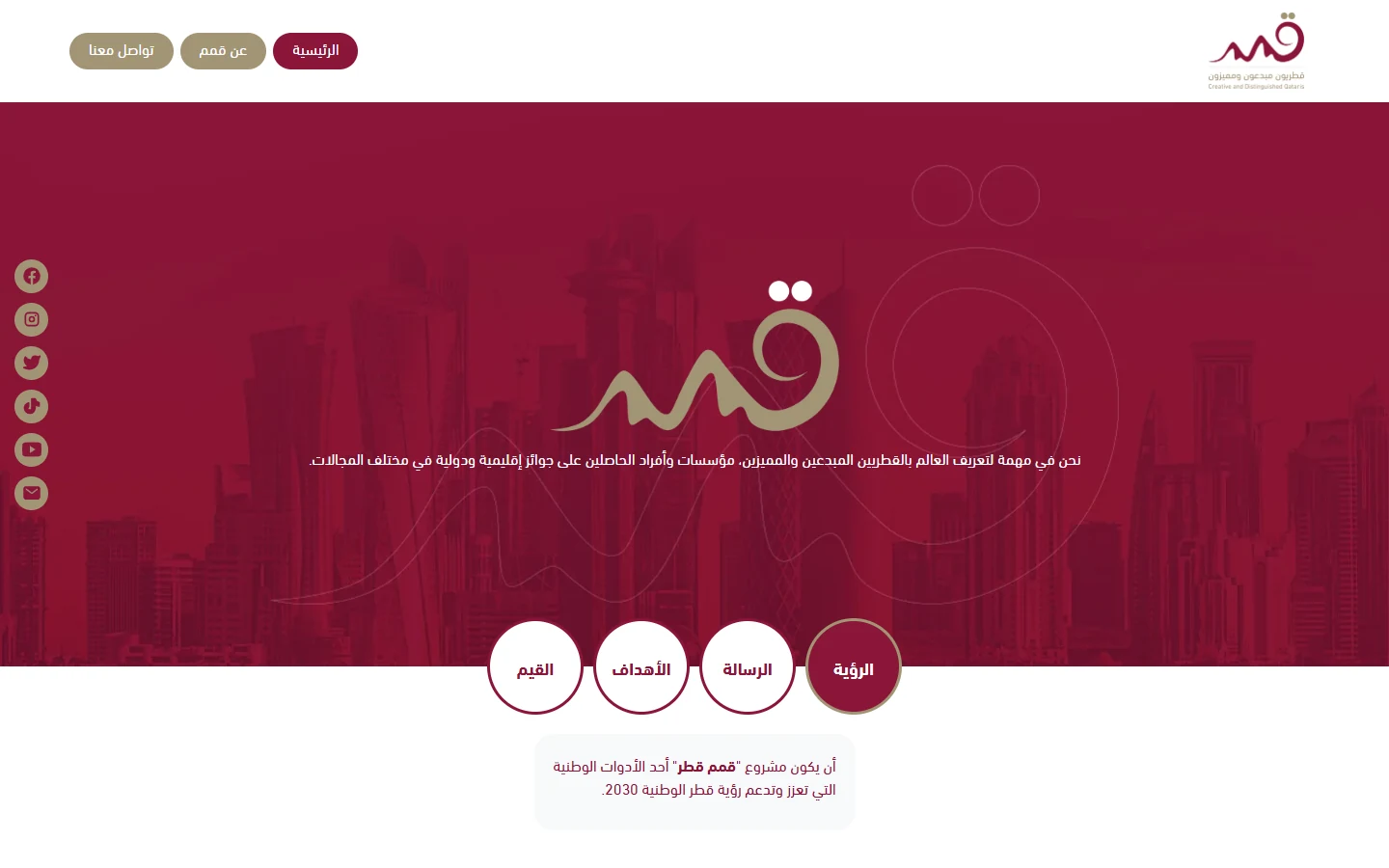
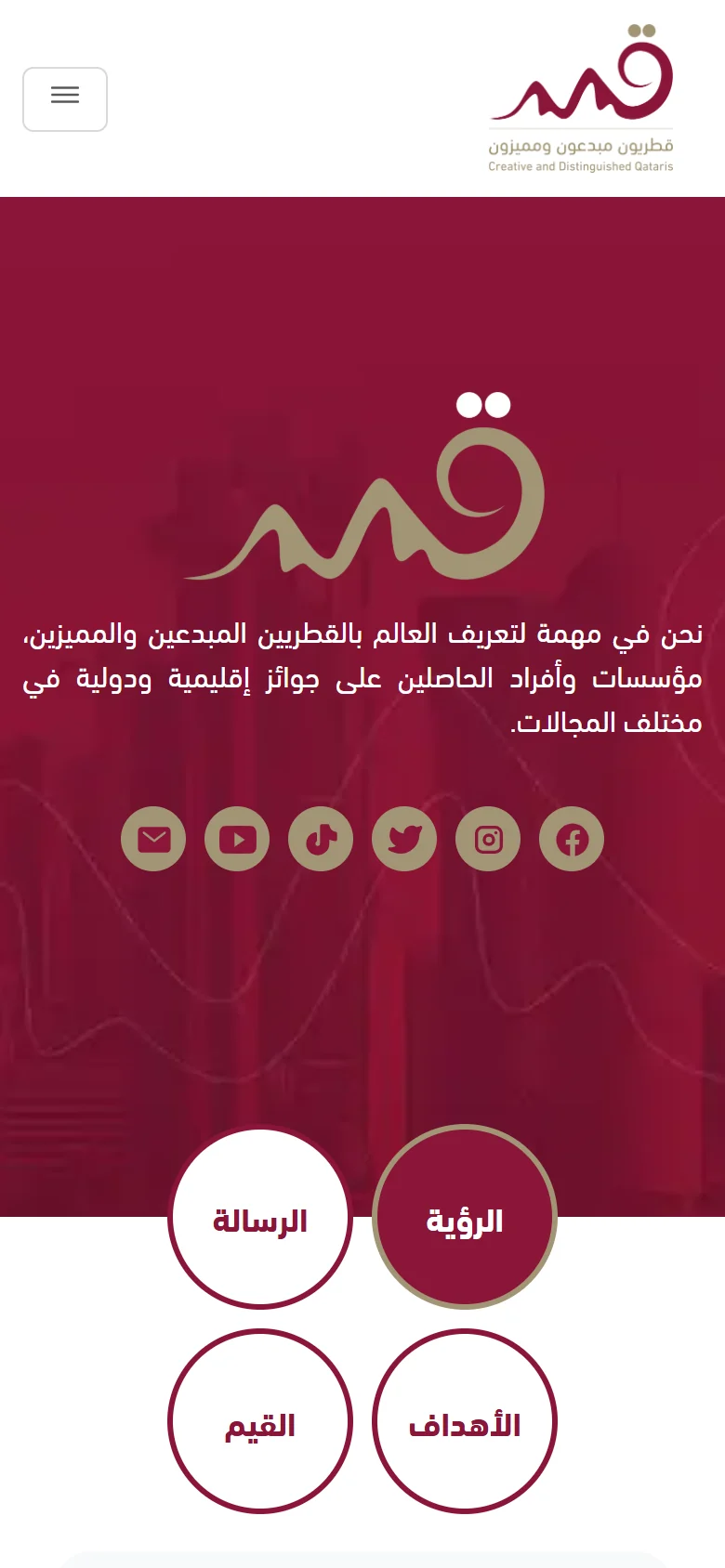
“Qimam Qatar” showcases creative and outstanding Qatari people and institutions that have won regional and international awards. The website serves audiences interested in stories of Qatari excellence and media organizations looking for documented examples.
The website connects its mission to Qatar National Vision 2030 and presents its vision, mission, objectives and values in interactive circles below the hero section.
Profile directory website design depends on a consistent content model and a useful archive. Readers may search for a name or browse a category before opening a profile. Editors need agreed fields and sources for the information they publish. people and institutions may require different details even when they share a card layout. We plan those distinctions before designing the archive and detail pages. Visual identity can make the platform recognizable, while award and achievement statements still need editorial verification. Inclusion in a directory does not independently verify every claim or establish permission to publish it.
How Qimam organizes the journey
- A hero section with the Doha skyline as its background and the Qimam logo in the center, with social media links in a fixed sidebar.
- A profile archive with filters for “All”, “people” and “Institutions”. Each profile has a card with a “Read details” button, including profiles for Qatar Red Crescent and Hamad International Port.
- Archive pagination and a switch between light and dark modes.
- A short menu with three pages: Home, About Qimam and Contact Us.
Archive filters distinguish people and institutions, with cards leading to details and pagination supporting the collection. The custom theme carries the maroon and gold identity from header to profiles. For your platform, test changing a category, opening a profile and returning to the archive on mobile. Use varied name lengths and image shapes to review the information readers need before opening a profile.
Prepare your brief and work with our team
For a business in the same industry, use this checklist to define content and operations before requesting a proposal. Discuss each item with the person responsible and collect approved information in a working brief.
- Define specific and institution fields and the categories readers need to browse.
- Assign sources and review responsibility for achievements, awards, photographs and publication permissions.
- Prepare sample profiles of different lengths before approving cards, details and archive layouts.
- Test filters, pagination and return navigation on mobile, and agree ongoing content updates.
We start with your business and the inquiry or purchase you want to receive, then define pages, content and functions in a written proposal. Our team agrees who supplies and approves the copy and images, shares work for review, and checks the mobile journey within the agreed scope. We record feedback before handover approval and explain the access or usage guidance included. Ongoing maintenance and support are discussed as part of the scope, so you can assess the deliverables and the responsibilities your business will take on after launch.
Explore our website design service, then send your project details so we can agree the scope.
Frequently asked questions
What comes first when building a profile directory?
Define fields, categories and information sources, then prepare sample content. Those decisions guide cards, detail pages and archive behavior.
Does every directory need a custom theme?
Choose around the content structure, functions and identity. A custom theme alone does not establish editorial accuracy or ease of maintenance.
How should achievement claims be maintained?
Assign a source and reviewer to each claim, with a correction and update process. A published profile is not independent verification of everything it says.
What you can take from it for a similar project
- Fields and categories guide card design because they define the information a profile reader needs.
- People and institution filters give the archive two understandable routes into its content.
- Pagination supports browsing when the profile collection extends beyond a single archive page.
- Identity and theme shape presentation, while checking published information remains an ongoing editorial responsibility.