
What customers need before they decide
Golden Hands is a Kuwaiti business selling dessert recipes as short video courses with an ingredient file for each recipe. It also offers cooking consultations and in-person appointments to prepare a recipe. The website targets women interested in homemade desserts and addresses them in the feminine form in its buttons and headings.
Cooking course website design should explain both the learning offer and access after payment. A buyer needs to know whether the purchase is a single video recipe, a bundle or a scheduled session, and which materials are included. Those distinctions affect the product page, account and confirmation message. We plan the content journey separately from in-person booking. A clear course description and approved previews help buyers choose. Claims about learner results need evidence; practical acceptance checks should instead establish that the purchased item appears in the right account and that the access instructions are understandable.
How Golden Hands organizes the journey
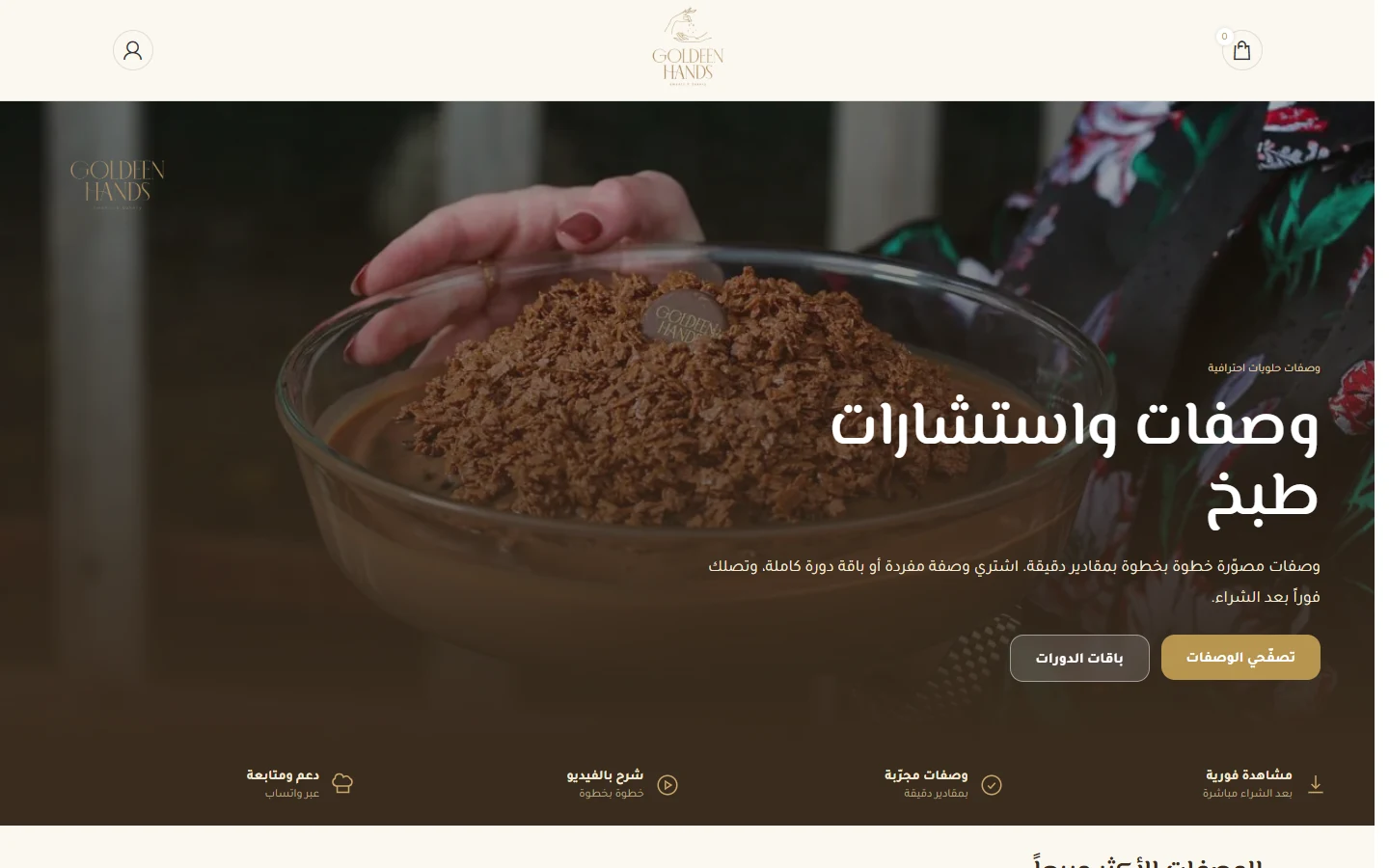
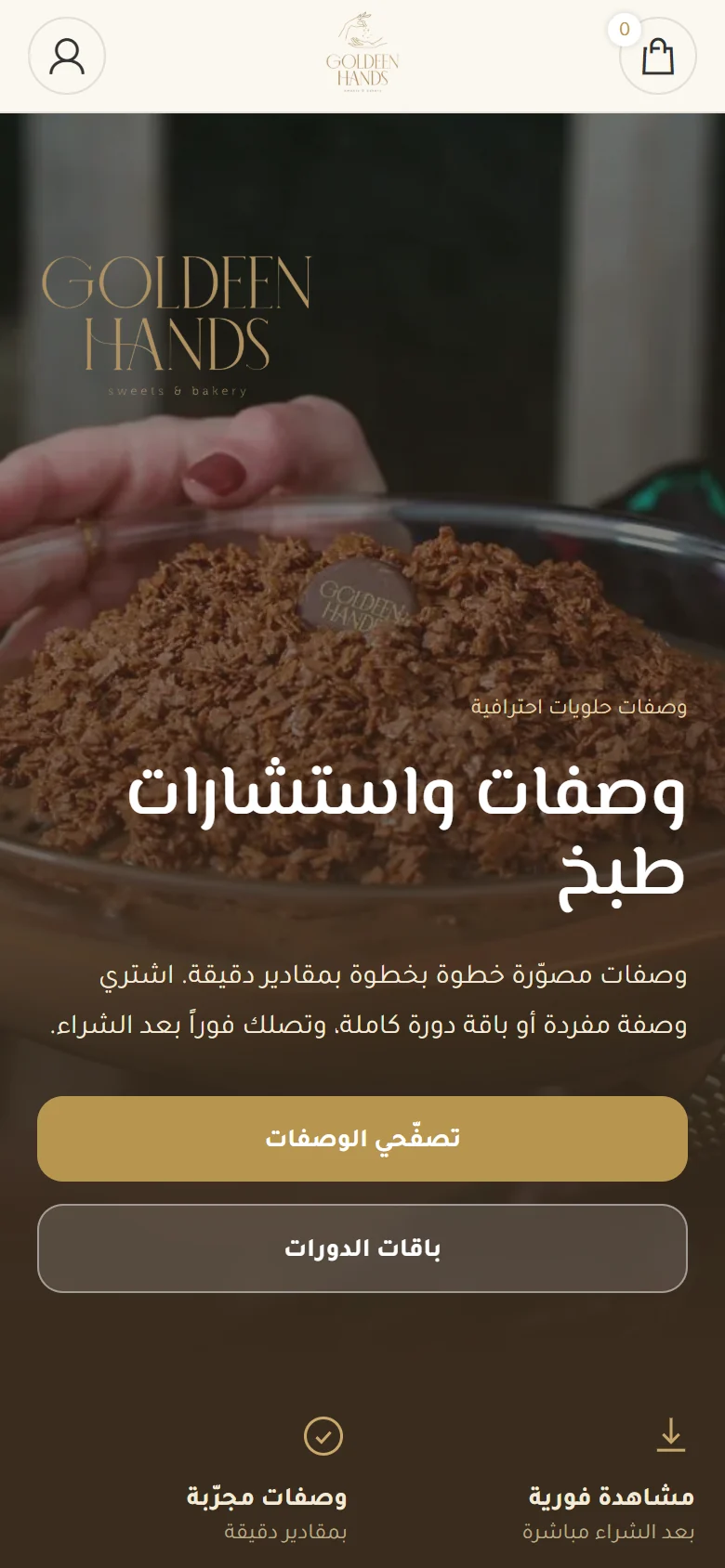
- A hero section headed “Recipes and cooking consultations” with two buttons: “Browse recipes” and “Course bundles”. Below are four benefits: instant viewing after purchase, tested recipes, video instructions and WhatsApp support.
- A “Bestselling recipes” section with cards that can be added to the cart, including courses for honey cake, saffron crunch, cookies and coffee dessert.
- An “In-person recipe session” section with a “Book your appointment now” button.
- The business’s story, learner reviews, an Instagram feed and a “Join the Golden Hands family” newsletter form.
WooCommerce and Tutor LMS connect paid video recipes to customer accounts. Separate calls to action distinguish recipes, bundles and in-person sessions. For your platform, test purchasing a recipe, signing in and opening the included video and files. State access duration and the support route in the offer. Review appointments separately because a scheduled session needs different confirmation from recorded-content access.
Prepare your brief and work with our team
For a business in the same industry, use this checklist to define content and operations before requesting a proposal. Discuss each item with the person responsible and collect approved information in a working brief.
- Classify each offer as a video recipe, bundle, in-person session or consultation.
- Prepare course descriptions, included files and approved images or previews.
- Agree access duration, usage terms, support and the handling of account problems.
- Test a course purchase through to customer access, then review appointments separately.
We start with your business and the inquiry or purchase you want to receive, then define pages, content and functions in a written proposal. Our team agrees who supplies and approves the copy and images, shares work for review, and checks the mobile journey within the agreed scope. We record feedback before handover approval and explain the access or usage guidance included. Ongoing maintenance and support are discussed as part of the scope, so you can assess the deliverables and the responsibilities your business will take on after launch.
Explore our online store design service, then send your project details so we can agree the scope.
Frequently asked questions
What should buyers know before purchasing a video recipe?
Explain the learning content, included files, access method and agreed access period. Do not leave delivery terms implicit in a course name.
Can recorded courses and appointments share a site?
Yes, with distinct routes. Purchasing recorded content differs from requesting a session that needs a date and attendance confirmation.
How should course delivery be checked?
Use an agreed test environment to follow payment through to the correct customer account and verify that access instructions and content work.
What you can take from it for a similar project
- Content descriptions help learners understand what the purchase will provide inside their accounts.
- Recipes, bundles and in-person sessions need labels that distinguish the offers during browsing.
- Account access is part of paid content delivery and belongs in the purchase acceptance check.
- A support route helps learners know where to ask about access or offer details.